


How do I set up an IPTV box for the first time?
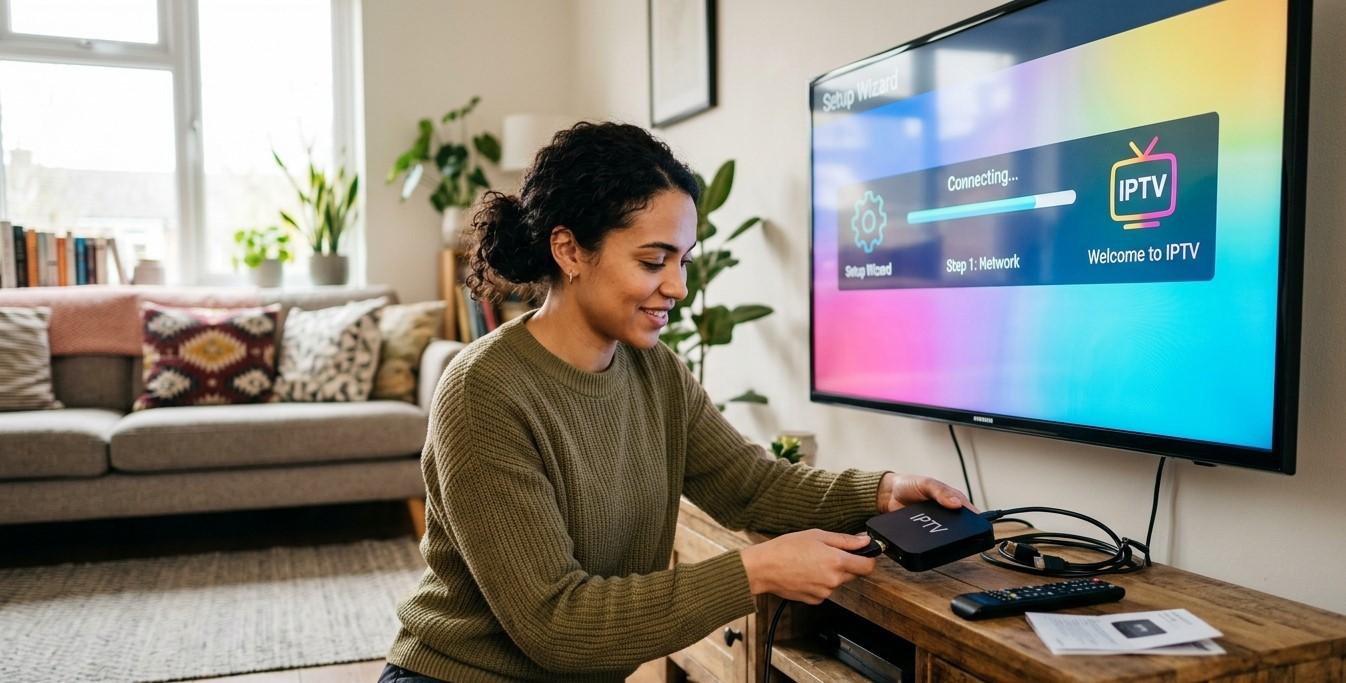
Setting up an IPTV box for the first time might feel a little intimidating if you've never done it before, but the process is actually simple once you know the steps. Whether you're switching from cable or just getting started with streaming, this guide will walk you through exactly how to set up your Indian IPTV Box and start enjoying IPTV India channels in just a few minutes.
Table of Contents
- What You Need Before Getting Started
- Step-by-Step IPTV Box Setup Guide
- Connecting Your IPTV Box to the Internet
- Activating Your IPTV Subscription
- Common Setup Issues and How to Fix Them
- Tips for a Smooth First-Time Setup
- FAQs
What You Need Before Getting Started
Before diving into setup, make sure you have the following ready:
- Your Indian IPTV Box and its power adapter/remote
- A TV with an available HDMI port
- A stable internet connection (Wi-Fi or Ethernet)
- Your IPTV subscription details, such as a login, activation code, or M3U playlist link
- An HDMI cable (often included with the box, but not always)
Having everything on hand before you start makes the setup process much faster and smoother.
Step-by-Step IPTV Box Setup Guide
Step 1: Connect the Box to Your TV
Plug one end of the HDMI cable into your Indian IPTV Box and the other end into an available HDMI port on your TV. Power on the box and switch your TV's input source to match the correct HDMI port.
Step 2: Power On and Complete Initial Setup
Most boxes will walk you through a basic setup screen the first time they're powered on, including language selection and time zone settings.
Step 3: Connect to Wi-Fi or Ethernet
Navigate to the network settings on your box and either connect to your home Wi-Fi network by entering your password, or plug in an Ethernet cable for a wired connection.
Step 4: Install or Open the IPTV App
Many Indian IPTV Boxes come with an IPTV app pre-installed. If not, you can typically download one from the box's app store.
Step 5: Enter Your Subscription Details
Log in using the credentials, activation code, or playlist URL provided by your IPTV India provider. This step links your box to your specific channel list and content library.
Step 6: Load Your Channels and Start Watching
Once logged in, your channel list should load automatically. Browse through the categories and select a channel or on-demand title to begin streaming.
Connecting Your IPTV Box to the Internet
A stable internet connection is essential for smooth streaming. Here are your two main options:
- Wi-Fi Connection – Convenient and requires no extra cables, though signal strength can vary based on distance from your router.
- Ethernet Connection – Generally more stable and reliable, especially important for HD or 4K streaming without buffering.
If your Indian IPTV Box is located near your router, a wired Ethernet connection is usually the better choice for consistent performance.
Activating Your IPTV Subscription
Depending on your provider, activation may involve one of the following methods:
- Username and password login – Enter your account credentials directly into the app.
- Activation code – A unique code provided at the time of purchase or subscription.
- M3U playlist URL – A link that automatically loads your channel list into a compatible IPTV player app.
Make sure you have this information from your provider before starting the setup process, as it's required to unlock your channels.
Common Setup Issues and How to Fix Them
- No signal on TV – Double-check that you've selected the correct HDMI input source.
- Wi-Fi won't connect – Confirm you're entering the correct password and that your router is within range.
- Channels won't load – Verify your subscription details are entered correctly, and check your internet connection.
- App keeps crashing – Try restarting the box or reinstalling the IPTV app.
- Buffering during first use – Test your internet speed to confirm it meets the minimum requirements for streaming.
Tips for a Smooth First-Time Setup
- Keep your provider's login details handy before you begin.
- Use a wired connection if your box will stay in a fixed location.
- Restart your router beforehand to ensure a fresh connection.
- Update your box's firmware if prompted during setup for better performance.
- Test a few different channels after setup to confirm everything is working properly.
FAQs
1. How long does it take to set up an IPTV box?
For most users, setup takes about 10-15 minutes from unboxing to streaming your first channel.
2. Do I need technical knowledge to set up an IPTV box?
No, most Indian IPTV Boxes are designed for simple, guided setup that doesn't require technical expertise.
3. What information do I need from my IPTV provider to activate my box?
You'll typically need a username and password, activation code, or M3U playlist link provided at the time of subscription.
4. Can I set up an IPTV box without Wi-Fi?
Yes, as long as you have access to a wired Ethernet connection instead.
5. What should I do if my channels don't load after setup?
Double-check your subscription details are entered correctly and confirm your internet connection is stable.
Get Started with IPTV Today
Setting up your Indian IPTV Box is quick, simple, and gets you streaming your favorite IPTV India channels in minutes. Explore our IPTV plans today and enjoy a hassle-free setup experience from your very first stream.
 Turkish
 English
 Arabic
 French
 Spanish
 Portuguese
 Deutsch
 Dutch
Dutch
 Italiano
 Russian
 Romaian
 Portuguese (Brazil)
 Greek
Greek