


Safety Manager System for Better Workplace Risk Control
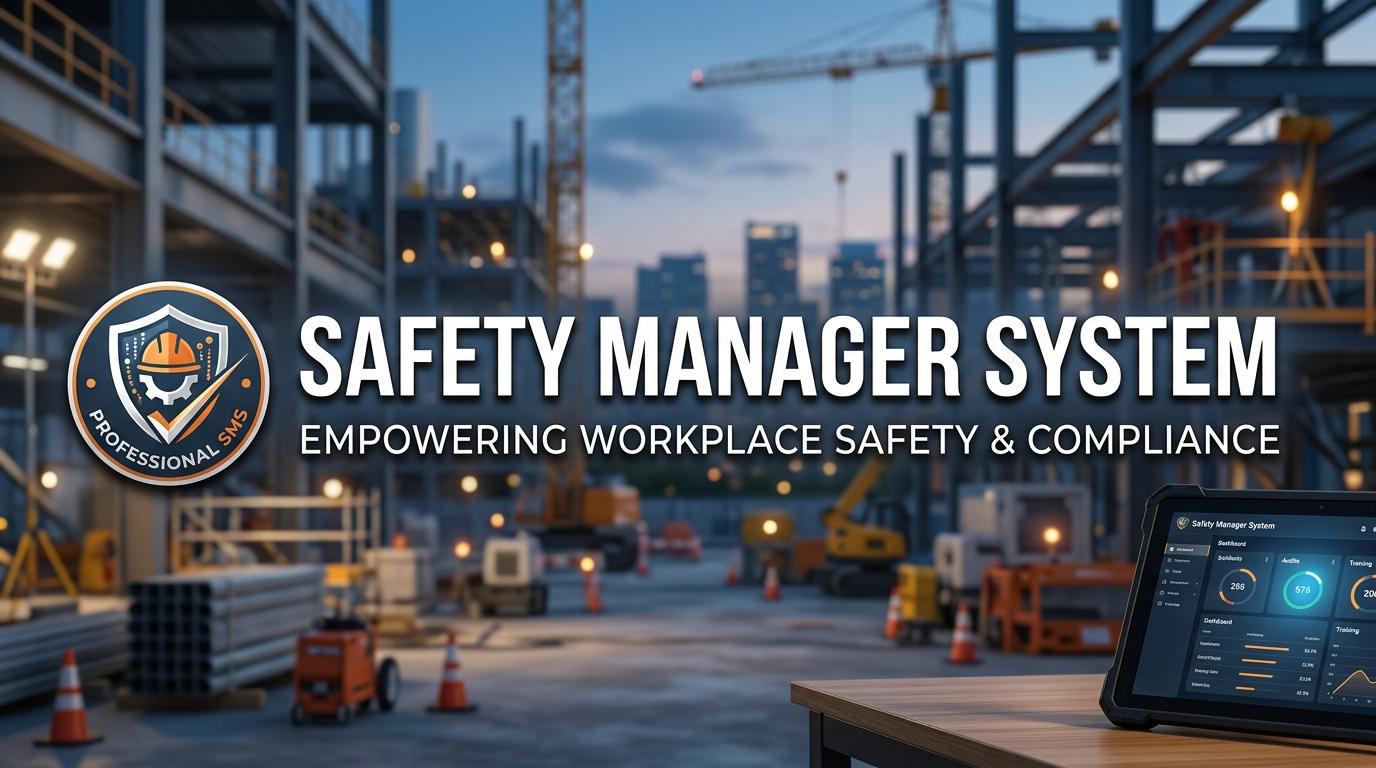
Managing workplace safety requires more than reacting when an accident occurs. Safety managers need to identify hazards, assess risks, conduct inspections, investigate incidents, track corrective actions, and maintain proper records. A Safety Manager System can bring these activities together in one structured platform, helping organizations create a consistent approach to better workplace risk control. When safety information is scattered across paper forms, spreadsheets, emails, and different systems, following up on risks can become difficult. A centralized system gives safety teams a clearer way to manage these responsibilities.
What Is a Safety Manager System
A Safety Manager System is a digital solution designed to support the daily responsibilities of workplace safety teams. It can help organizations manage safety information, assign tasks, monitor risks, document incidents, and keep track of corrective actions.
The exact features differ between platforms, but a system may include
- Hazard reporting
- Risk assessments
- Safety inspections
- Incident reporting
- Corrective action management
- Safety observations
- Compliance records
- Safety training
- Safety documentation
- Dashboards and reports
Instead of treating each safety activity as a separate process, organizations can connect them through a common platform.
For example, an inspection finding can lead to a hazard record, which can then be connected to a risk assessment and corrective action. This creates a clear relationship between identifying a problem and addressing it.
Why Better Workplace Risk Control Matters
Every workplace has risks, but those risks can vary significantly depending on the industry and type of work.
A construction site may involve working at height, heavy machinery, excavation, and temporary structures. A manufacturing facility may have machinery, chemicals, electrical equipment, and production hazards. Even an office can have risks related to fire safety, ergonomics, electrical equipment, or emergency procedures.
Better workplace risk control starts with knowing what risks exist and determining how they should be managed.
A structured safety system can help teams
- Identify hazards
- Assess potential risks
- Determine appropriate controls
- Assign responsibility
- Monitor corrective actions
- Review remaining risks
- Maintain documentation
This gives safety managers a repeatable process instead of relying only on informal communication.
Workplace Risk Management
Workplace risk management is a continuous process. A risk assessment completed several months ago may need to be reviewed when equipment, processes, materials, or working conditions change.
A digital system can help safety teams keep assessments organized and identify when reviews are due.
A risk assessment may contain details such as
- Hazard description
- Work activity
- People exposed
- Likelihood
- Severity
- Existing controls
- Additional controls
- Responsible person
- Review date
- Residual risk
Organizations can configure these workflows around their own risk assessment methodology.
The purpose is not simply to create another record. The information should help people decide what controls are needed and whether those controls are being maintained.
Risk Assessment Software
Risk assessment software can make the assessment process more structured and easier to monitor.
Instead of using different spreadsheet templates across departments, teams can work with standardized digital forms. Safety managers can also review assessments from a central dashboard.
For example, if a high risk activity is identified, the system may allow the safety manager to assign additional controls to a responsible employee and set a deadline.
Once the control has been implemented, the task can be reviewed and closed.
This gives the organization a documented record of how the risk was handled.
Hazard Management Software
Employees often notice hazards before anyone else. They may see damaged equipment, blocked walkways, missing safety barriers, poor housekeeping, or unsafe work practices during their normal activities.
Hazard management software can provide a simple process for reporting these observations.
An employee can submit a hazard report with information such as the location, description, category, and photograph. The safety team can then review the report and decide what action is required.
A typical hazard workflow may include
- Hazard identification
- Risk classification
- Immediate action
- Responsible person assignment
- Corrective action
- Verification
- Closure
This process helps organizations maintain visibility over unresolved hazards.
Incident Management Software
Incidents need accurate documentation and proper follow up. A report should provide enough information for safety professionals to investigate what happened and identify appropriate actions.
Incident management software can provide a structured workflow for recording incidents, near misses, injuries, property damage, and other safety events.
Depending on the organization's procedures, the workflow can include
- Initial report
- Incident classification
- Witness information
- Evidence collection
- Investigation
- Cause analysis
- Corrective actions
- Management review
- Follow up
- Closure
Connecting these stages in one system can make it easier for safety managers to monitor an incident from the initial report through the final corrective action.
Near misses can also be recorded. Although a near miss may not result in an injury or damage, the information can help teams identify hazards that could lead to a more serious event.
Safety Management System for Inspections
Regular inspections provide another way to identify workplace hazards.
A safety management system can provide digital checklists for routine inspections across different departments, facilities, equipment, and work areas.
For example, an organization may have separate checklists for
- Fire safety
- Machinery
- Electrical equipment
- Personal protective equipment
- Emergency exits
- Housekeeping
- Vehicles
- Work areas
When an inspector identifies a problem, the finding can be recorded and assigned to the appropriate person.
Safety managers can then monitor whether the issue has been resolved and verified.
Workplace Safety Software for Corrective Actions
Finding a safety problem does not solve it. The organization needs a clear process for taking action.
Workplace safety software can help safety managers assign corrective actions and monitor their progress.
A corrective action record can include
- Description
- Responsible person
- Department
- Priority
- Due date
- Required action
- Supporting evidence
- Completion status
- Verification
This can reduce the need for repeated email follow ups and give everyone a shared view of outstanding tasks.
For example, if an inspection finds that a machine guard is damaged, the software can assign the repair to the responsible maintenance team. Once the repair is completed, the safety team can verify the result before closing the action.
Safety Compliance Software
Safety teams often have to maintain records that demonstrate how safety activities are being managed.
Safety compliance software can help organize documentation related to inspections, incidents, risk assessments, training, audits, corrective actions, and other internal safety requirements.
Automated reminders can also help teams keep track of scheduled activities and deadlines.
However, organizations should identify the regulations and standards that apply to their specific operations. Software can help manage compliance workflows and records, but it does not replace professional judgment or the organization's responsibility to follow applicable requirements.
Centralized Safety Data
One of the practical advantages of a Safety Manager System is having safety information in one place.
Without a centralized system, a manager may need to check several spreadsheets to find information about incidents, inspections, or corrective actions.
With centralized records, safety teams can review information through dashboards and reports.
They may be able to monitor
- Open hazards
- High risk assessments
- Reported incidents
- Near misses
- Overdue corrective actions
- Inspection completion
- Safety observations
- Compliance activities
This can make it easier to identify patterns and areas that require further attention.
Mobile Access for Safety Teams
Safety managers and employees are not always working behind a desk. Many safety activities take place directly on production floors, construction sites, warehouses, facilities, and other operational areas.
Mobile access allows employees to record information from the location where the activity occurs.
They may be able to
- Submit hazard reports
- Complete inspections
- Report incidents
- Upload photographs
- Review assigned actions
- Update task status
- Access safety documents
This can reduce delays between an event happening and the information being entered into the organization's safety system.
Choosing the Right Safety Manager System
Every organization has different safety processes, so the right system should match its actual operational requirements.
Before selecting a platform, safety teams should evaluate features such as
- Risk assessment management
- Hazard reporting
- Incident management
- Safety inspections
- Corrective action tracking
- Compliance management
- Safety training
- Mobile access
- Custom forms
- Notifications
- Dashboards
- Reporting
- User permissions
- Integration capabilities
Ease of use should also be considered. If employees find the reporting process difficult, they may delay submitting safety information.
It is often useful to involve safety managers, supervisors, employees, IT teams, and other relevant users in the evaluation process. Their feedback can help determine whether the system works in real workplace conditions.
Final Thoughts
A strong safety program depends on identifying risks, taking appropriate action, and following through consistently. A Safety Manager System can connect these activities through one centralized platform.
From workplace risk management and risk assessments to hazard reporting, incident investigation, corrective actions, and compliance records, a digital system can give safety teams a structured way to manage their responsibilities.
When we connect safety information instead of keeping it in separate files and processes, it becomes easier to see what needs attention and who is responsible for each action. For organizations managing complex operations, multiple facilities, or large teams, a well selected safety management platform can provide a practical foundation for better workplace risk control.
 Romaian
 English
 Arabic
 French
 Spanish
 Portuguese
 Deutsch
 Turkish
 Dutch
Dutch
 Italiano
 Russian
 Portuguese (Brazil)
 Greek
Greek