


Why Does My IPTV Subscription Show "Account Already in Use"?
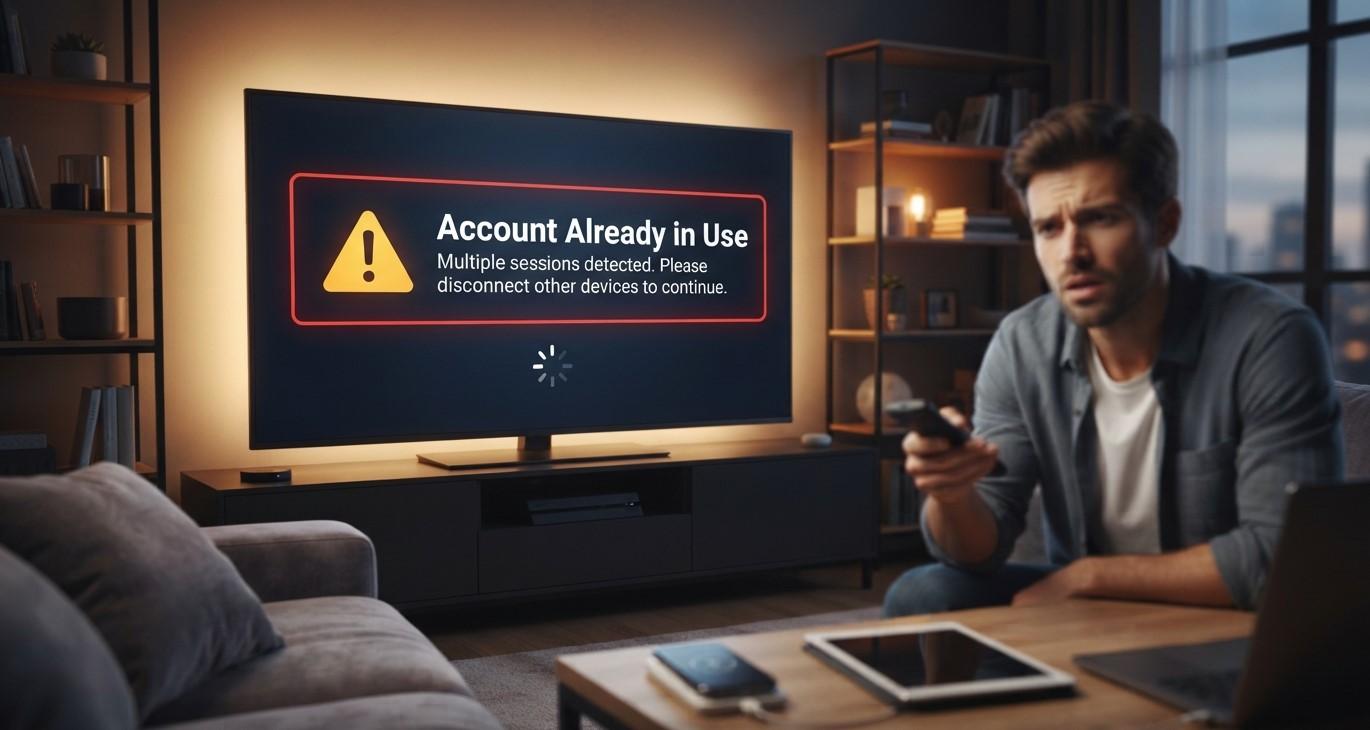
Few error messages are as confusing as "Account Already in Use" when you're the only one who's supposed to be watching. Before assuming something is wrong with your subscription, it helps to understand that this message almost always has a straightforward explanation tied to how many devices are simultaneously connected to your account. This guide walks through exactly why this happens and how to fix it on your Indian IPTV USA subscription.
Table of Contents
- What This Error Actually Means
- Reason 1: You've Reached Your Connection Limit
- Reason 2: A Previous Session Didn't Close Properly
- Reason 3: Someone Else Is Using Your Credentials
- Reason 4: Multiple Apps Logged In Simultaneously
- How to Fix "Account Already in Use"
- Preventing This Error Going Forward
- When to Contact Customer Support
- Frequently Asked Questions
What This Error Actually Means
This message indicates that your account has reached the maximum number of simultaneous connections allowed under your specific subscription plan, and another device is currently occupying one of those available connection slots. It's the system's way of enforcing your plan's connection limit, rather than indicating any problem with your account itself or your payment status.
Reason 1: You've Reached Your Connection Limit
The most common cause is simply that your plan's connection limit has already been reached by another active device, whether that's a family member's phone, a TV in another room, or even a device you forgot was still logged in. If your plan allows only one connection and another device is currently streaming, attempting to log in on a second device will trigger this error.
Reason 2: A Previous Session Didn't Close Properly
Sometimes a device doesn't properly close its connection when an app crashes, a device loses power unexpectedly, or WiFi drops out mid-stream. This can leave a "ghost" session technically still counted as active on the server's end, even though nothing is actually playing on that device anymore, which can trigger the error until that session times out or is manually cleared.
Reason 3: Someone Else Is Using Your Credentials
If your login credentials were shared with a family member, friend, or previously used on a device you no longer control, that person or device may currently be streaming under your account without your immediate knowledge, occupying your available connection slots.
Reason 4: Multiple Apps Logged In Simultaneously
If you've installed your IPTV credentials into more than one player app, for example, both IPTV Smarters and TiviMate on the same account, having both apps open and attempting to connect at once can sometimes trigger this error, even if you're technically the only person using the account.
How to Fix "Account Already in Use"
Work through these steps to resolve the issue:
- Check other devices in your household that might currently be logged in and streaming
- Close the IPTV app completely on all your devices, then wait a minute before reopening
- Restart your streaming device, which often clears a "ghost" session that didn't close properly
- Log out and log back in on the device you're trying to use, if your app has an explicit logout option
- Wait a few minutes in case a previous session simply needs time to time out on the server's end
Preventing This Error Going Forward
- Confirm your connection limit with your provider so you know exactly how many devices you can run simultaneously
- Properly close the app on each device after you finish watching, rather than just turning off the TV or device abruptly
- Avoid sharing login credentials beyond what your plan's connection limit actually supports
- Keep track of which devices have your credentials installed, removing them from devices you no longer use
When to Contact Customer Support
If you've confirmed no other devices should be logged in, restarted everything, and waited a reasonable amount of time, but the error persists, it's worth contacting your provider's support team. They can typically check your account's active sessions from their end and manually clear any lingering connections that aren't clearing on their own.
Frequently Asked Questions
Why does my IPTV app say "Account Already in Use" when I'm the only one watching? This is often caused by a previous session that didn't close properly, such as after an app crash or sudden WiFi disconnection, leaving a "ghost" connection active on the server.
Can restarting my device fix this error? Yes, restarting often clears a lingering session that wasn't properly closed, resolving the error in many cases.
Does this mean someone else has access to my account? Not necessarily, though it's worth checking whether credentials were shared with someone else or left logged into another device you may have forgotten about.
How do I know how many connections my plan allows? Check your subscription details or contact your provider's customer support to confirm the specific connection limit for your plan.
What should I do if the error doesn't go away after restarting? Contact your provider's customer support team, since they can typically check and manually clear active sessions from their end.
Get Back to Watching Quickly
If connection errors keep interrupting your viewing, Indian IPTV USA offers responsive customer support ready to help clear account issues quickly. Pair your subscription with a reliable Indian IPTV Box for the most stable, consistent performance.
 Portuguese (Brazil)
 English
 Arabic
 French
 Spanish
 Portuguese
 Deutsch
 Turkish
 Dutch
Dutch
 Italiano
 Russian
 Romaian
 Greek
Greek